

6 Best Laptops Under $1,000 in the USA (2026): Tested Picks by Use Case
Shopping for Best Laptops Under $1,000 in the USA no longer means settling. This year’s sub-$1,000 lineup includes OLED screens, dedicated gaming GPUs, and even a Mac. The catch is that no single laptop wins every category — the “best” one depends entirely on what you’re using it for.
How to choose in 30 seconds:
- Everyday work, browsing, streaming → HP OmniBook 5 14
- You’re switching to Mac / want the best resale value → Apple MacBook Air 13″ (M2)
- You want the best screen in a thin, portable body → Acer Swift Go 14
- You play games or edit video → Lenovo LOQ 15 (RTX 4050)
- You mostly live in a browser and want long battery life → Acer Chromebook Plus Spin 714
- You want the biggest screen for the least money → ASUS Vivobook 16
Quick Comparison
| Laptop | Price | Best For | CPU | RAM/Storage |
|---|---|---|---|---|
| HP OmniBook 5 14 | ~$899 | Overall daily use | Intel Core Ultra 5 | 16GB / 512GB SSD |
| Apple MacBook Air 13″ (M2) | $999 | Mac ecosystem, creators | Apple M2 | 8GB / 256GB SSD |
| Acer Swift Go 14 | ~$830 | Students, portability | Intel Core Ultra 5 | 16GB / 512GB SSD |
| Lenovo LOQ 15 | ~$800–899 | Gaming, light editing | AMD Ryzen 5 7235HS | 16GB / 512GB SSD |
| Acer Chromebook Plus Spin 714 | $699 (often ~$500–550 on sale) | Browser-first users | Intel Core Ultra 5 | 8–16GB / 256GB SSD |
| ASUS Vivobook 16 | ~$750–899 | Big-screen value | Intel Core i5 H-series | 16GB / 512GB SSD |
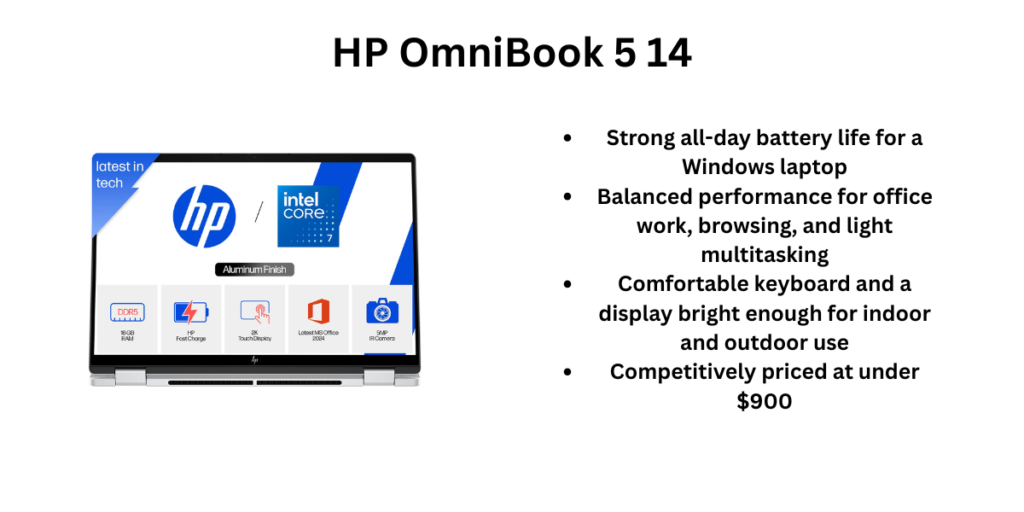
1. HP OmniBook 5 14 — Best Overall
Overview: The OmniBook 5 14 is HP’s mainstream Windows laptop for 2026, and it’s earned praise from reviewers as one of the strongest all-around picks under $1,000. It pairs an Intel Core Ultra 5 chip with solid battery life and a build quality that punches above its price.
Pros
- Strong all-day battery life for a Windows laptop
- Balanced performance for office work, browsing, and light multitasking
- Comfortable keyboard and a display bright enough for indoor and outdoor use
- Competitively priced at under $900
Cons
- Integrated graphics only — not built for gaming or heavy video rendering
- Base storage (512GB) can’t be upgraded easily on most configs
- Design is functional rather than premium-feeling
Who should buy it: Anyone who wants a dependable Windows laptop for email, documents, video calls, and browsing without paying for horsepower they won’t use — a great fit for students, remote workers, and general home use. Many users find this as one of the best Laptops Under $1,000 in the USA.
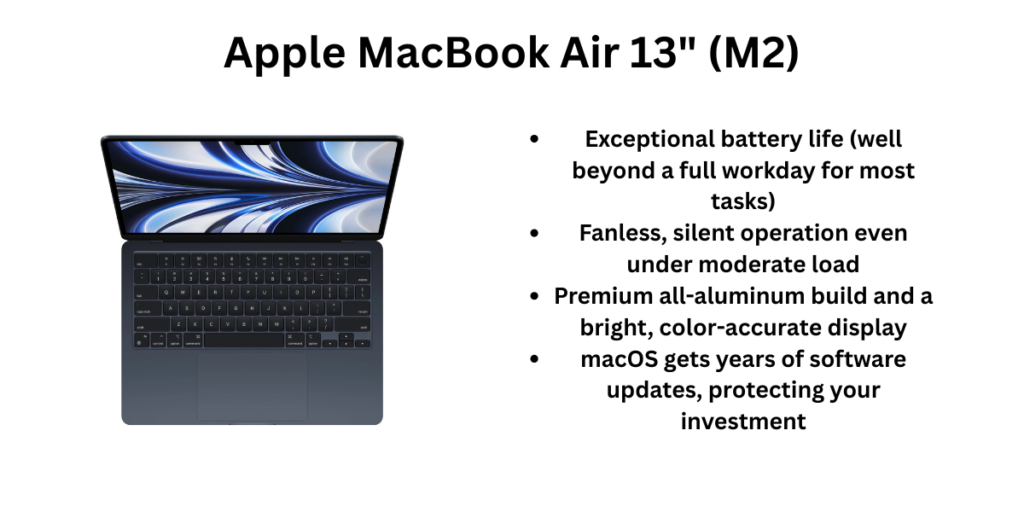
2. Apple MacBook Air 13″ (M2) — Best for Mac Users
Overview: Apple still sells the M2 MacBook Air at $999, and even a few years after launch it remains one of the most capable machines at this price. The M2 chip, fanless silent design, and macOS’s long software-support window make it a rare “buy once, use for years” pick in this list.
Pros
- Exceptional battery life (well beyond a full workday for most tasks)
- Fanless, silent operation even under moderate load
- Premium all-aluminum build and a bright, color-accurate display
- macOS gets years of software updates, protecting your investment
Cons
- Base model ships with only 8GB RAM and 256GB storage — upgrades push it over $1,000 fast
- Not designed for gaming or GPU-intensive work
- Only two Thunderbolt ports, so you’ll likely need a dock or hub
Who should buy it: Students and professionals who live in the Apple ecosystem (iPhone, iPad, iCloud) or anyone prioritizing battery life, build quality, and long-term software support over raw gaming or multitasking power.
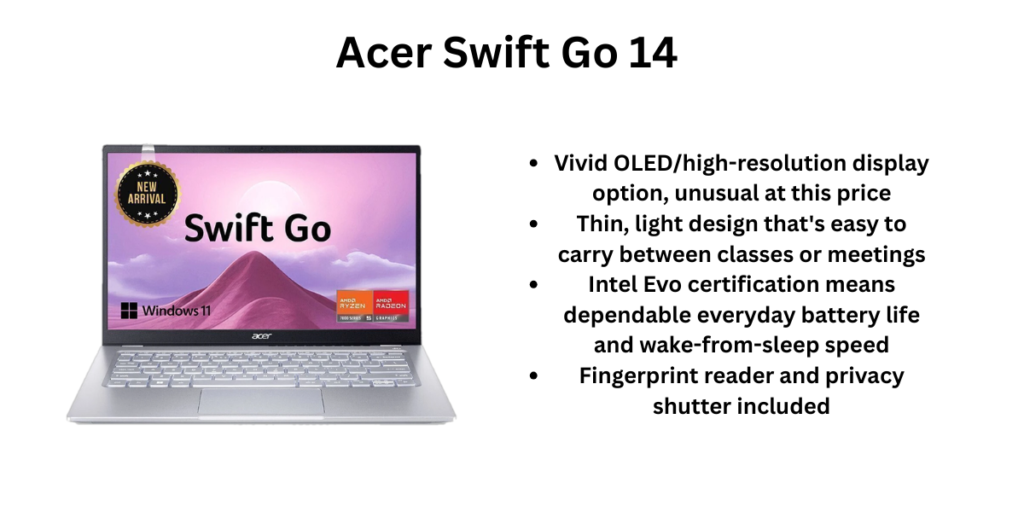
3. Acer Swift Go 14 — Best for Students & Portability
Overview: The Swift Go 14 is built around a genuinely excellent screen — Acer offers OLED and high-res IPS configurations — in a chassis thin and light enough to carry all day. The Core Ultra 5 configuration keeps pricing around $830, well under budget.
Pros
- Vivid OLED/high-resolution display option, unusual at this price
- Thin, light design that’s easy to carry between classes or meetings
- Intel Evo certification means dependable everyday battery life and wake-from-sleep speed
- Fingerprint reader and privacy shutter included
Cons
- Soldered RAM and storage mean no future upgrades
- Integrated graphics limit it to light creative work, not gaming or heavy editing
- OLED panel configurations can hurt battery life compared to the IPS version
Who should buy it: Students and frequent travelers who want a genuinely nice screen and a featherweight design for note-taking, streaming, and browsing between classes or flights.
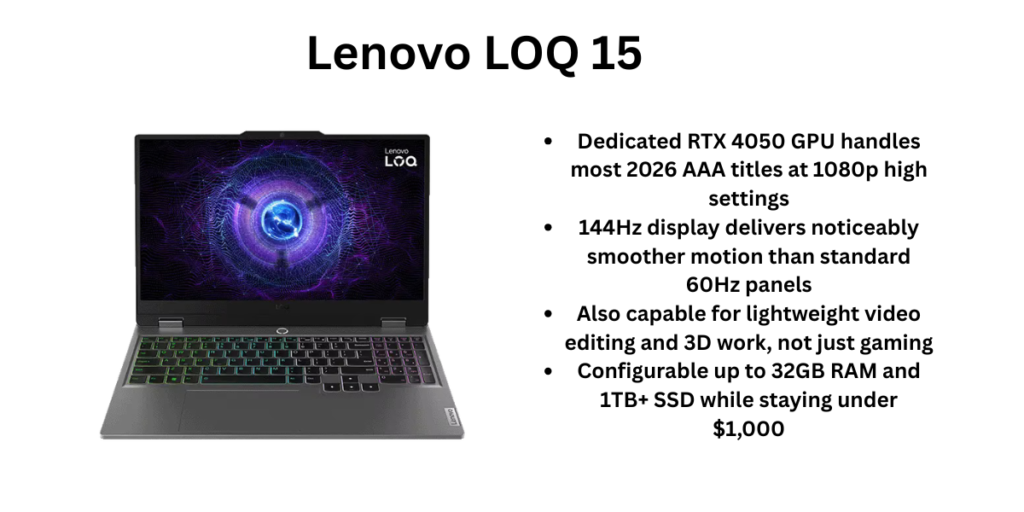
4. Lenovo LOQ 15 — Best for Gaming
Overview: The LOQ 15 is Lenovo’s budget gaming line, and the RTX 4050 configuration is one of the few laptops under $1,000 that can genuinely handle modern games at 1080p. It pairs a 144Hz display with a Ryzen 5 or Ryzen 7 processor depending on configuration.
Pros
- Dedicated RTX 4050 GPU handles most 2026 AAA titles at 1080p high settings
- 144Hz display delivers noticeably smoother motion than standard 60Hz panels
- Also capable for lightweight video editing and 3D work, not just gaming
- Configurable up to 32GB RAM and 1TB+ SSD while staying under $1,000
Cons
- Heavier and bulkier than the ultrabooks on this list — not built for portability
- Battery life drops sharply under gaming load (expect 1.5–3 hours gaming unplugged)
- Fan noise increases noticeably under sustained load
Who should buy it: Gamers and students who want one laptop for both coursework and gaming, plus anyone doing casual video editing who needs a dedicated GPU without spending $1,500+. Many experts consider this one of the best Laptops Under $1,000 in the USA.
5. Acer Chromebook Plus Spin 714 — Best Chromebook
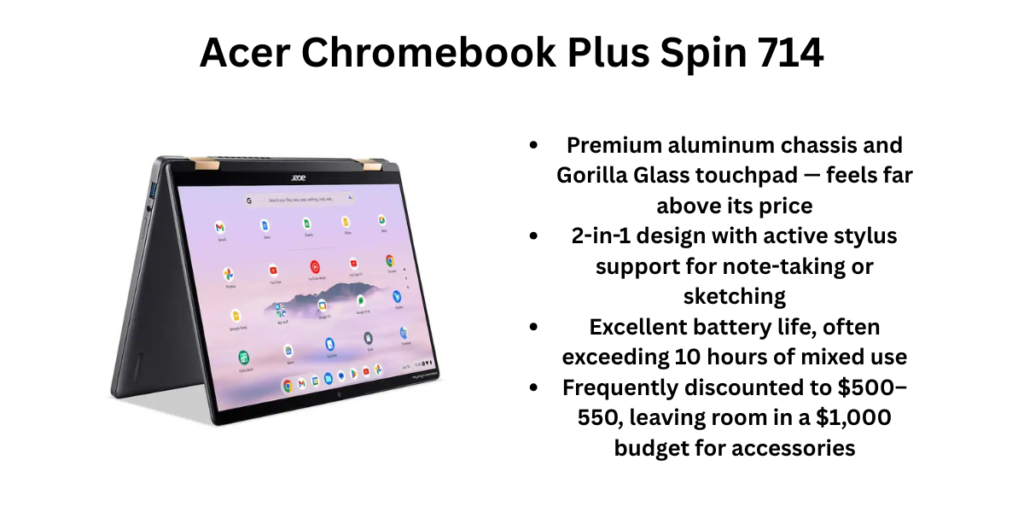
Overview: The Spin 714 is widely considered the benchmark premium Chromebook, and it regularly sells well under its $699 MSRP. Its 2-in-1 hinge, aluminum build, and Intel Core Ultra 5 chip make it feel far more premium than its price suggests.
Pros
- Premium aluminum chassis and Gorilla Glass touchpad — feels far above its price
- 2-in-1 design with active stylus support for note-taking or sketching
- Excellent battery life, often exceeding 10 hours of mixed use
- Frequently discounted to $500–550, leaving room in a $1,000 budget for accessories
Cons
- ChromeOS limits offline and professional desktop software use
- Not suitable for gaming or resource-heavy creative work
- No dedicated numeric keypad or extensive port selection
Who should buy it: People who do most of their work in a browser — Gmail, Docs, streaming, video calls — and want a lightweight, long-battery-life machine without the cost or complexity of a full Windows or macOS laptop.
6. ASUS Vivobook 16 — Best Big-Screen Value
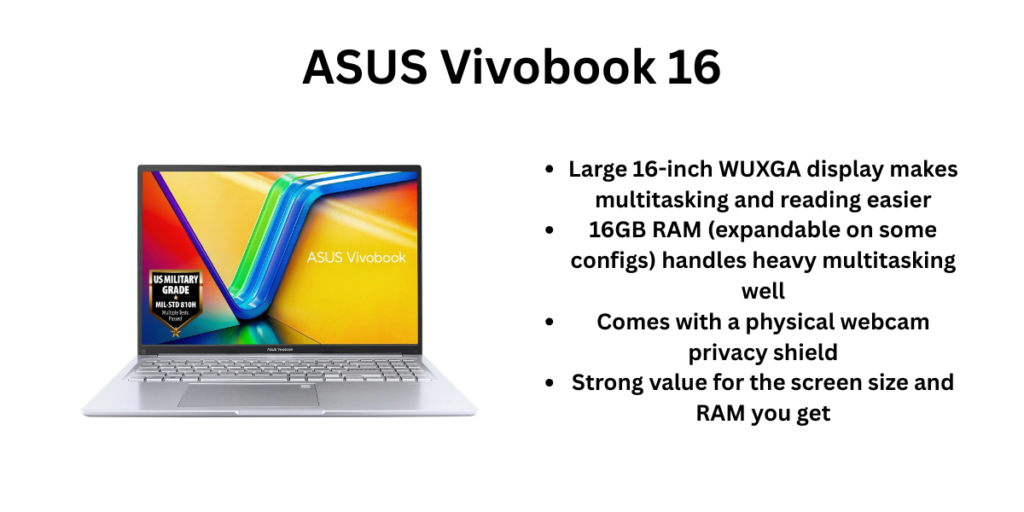
Overview: The Vivobook 16 gives you a 16-inch, 16:10 display — noticeably more screen real estate than the 13–15-inch laptops on this list — while staying under $900. It’s built around productivity: coding, multitasking, and document-heavy work rather than gaming.
Pros
- Large 16-inch WUXGA display makes multitasking and reading easier
- 16GB RAM (expandable on some configs) handles heavy multitasking well
- Comes with a physical webcam privacy shield
- Strong value for the screen size and RAM you get
Cons
- Bigger and heavier — not ideal if portability is a priority
- H-series processor options can run warmer and drain the battery faster under load
- Integrated graphics only; not for gaming
Who should buy it: Anyone who wants a larger screen for spreadsheets, coding, or research and doesn’t mind trading portability for real estate — a strong pick for home use or a dorm desk setup.
Final Recommendation
If you only read one section, read this: for most people, the HP OmniBook 5 14 is the safest pick — it balances battery life, performance, and price better than anything else on this list. If you’re already invested in Apple’s ecosystem, the MacBook Air M2 at $999 is worth stretching your entire budget for. Gamers should go straight to the Lenovo LOQ 15, and anyone who mostly browses and streams will get outsized value from the Acer Chromebook Plus Spin 714, especially when it’s on sale.
Whichever you choose, match the laptop to your actual daily workload rather than the spec sheet — that’s the difference between a laptop that feels great a year from now and one you’re already trying to replace. Share these Best Laptops Under $1,000 in the USA with your friends and help them.
FAQ
Can you get a good laptop for gaming under $1,000?
Yes — the Lenovo LOQ 15 with an RTX 4050 handles most 2026 AAA games at 1080p on high settings, though you’ll want to manage expectations for the most demanding titles.
Is a Chromebook worth it over a Windows laptop under $1,000?
If your work is mostly browser-based (email, docs, streaming, video calls), a premium Chromebook like the Spin 714 often out-performs a budget Windows laptop in battery life and build quality for less money.
Should I buy the base MacBook Air with only 8GB RAM?
For browsing, writing, and light multitasking, 8GB is workable thanks to macOS’s memory management, but avoid it if you plan to run many browser tabs alongside heavier apps — the RAM isn’t upgradable later.
Also read: 6 Best Laptops Under $500 in the USA (2026)