

6 Best Laptops Under $500 in the USA (2026)
Finding the best laptops under $500 in the USA used to mean picking your compromise: slow processor, cramped storage, or a screen that made your eyes hurt after twenty minutes. That’s changed. Between AMD’s efficient Ryzen chips trickling down into budget machines and Google’s Chromebook Plus program forcing a hardware floor on cheap Chromebooks, $500 now buys a laptop that can genuinely carry you through work, school, or everyday browsing without constant frustration.
How to Choose the Right One
Before you scroll to the picks, run your decision through three questions:
- Windows or ChromeOS? Windows laptops under $500 usually cut corners on RAM or CPU to hit the price. Chromebooks in this range often out-spec them because ChromeOS needs far less hardware to run smoothly — but you lose full desktop software like the complete Adobe suite or many PC games.
- What’s your daily workload? Browser tabs, video calls, and document editing barely stress any laptop on this list. Light photo editing, coding, or juggling 20+ tabs needs at least 8GB of RAM — 16GB if you can find it at this price.
- How long do you need it to last unplugged? Battery capacity varies more than people expect at this price tier, from under 8 hours to over 13.
With that framework, here are six laptops worth your $500.
1. Acer Aspire Go 15 (Ryzen 5/7 configuration)
Best overall Windows laptop under $500
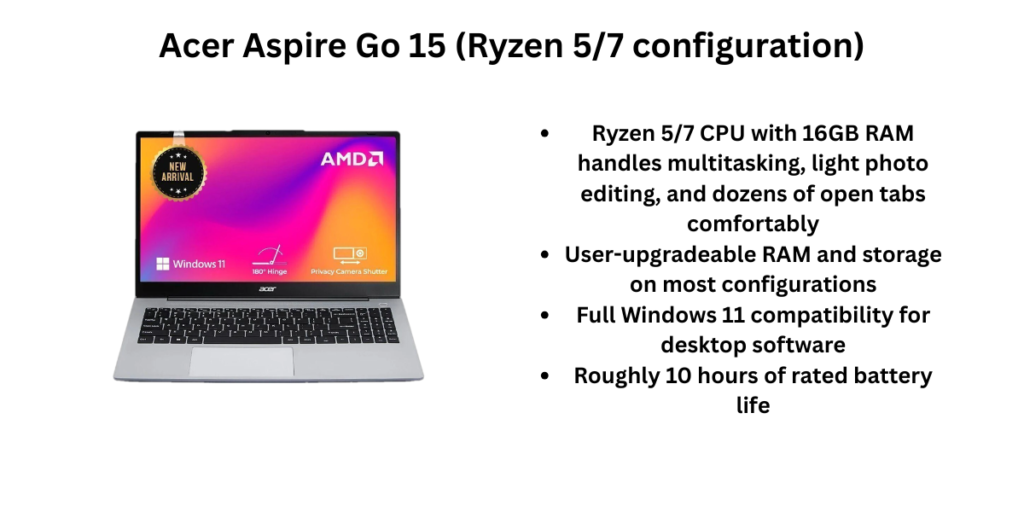
The Aspire Go 15 is Acer’s budget workhorse, and the mid-tier configuration built around an AMD Ryzen 5 or Ryzen 7 5825U processor is the one worth seeking out. Paired with 16GB of RAM and a 512GB SSD, it delivers a hardware stack that most laptops twice its price still don’t match. It runs full Windows 11, so you get access to the entire desktop software library — something no Chromebook on this list offers.
Pros
- Ryzen 5/7 CPU with 16GB RAM handles multitasking, light photo editing, and dozens of open tabs comfortably
- User-upgradeable RAM and storage on most configurations
- Full Windows 11 compatibility for desktop software
- Roughly 10 hours of rated battery life
Cons
- Built-in speakers are thin and better paired with headphones
- Plastic chassis feels budget under close inspection
- Base configurations (with Intel N-series chips) are far weaker — the Ryzen model is the one to buy
Who should buy it: Anyone who needs real Windows software — accounting tools, specific PC games, or legacy business apps — and wants the best performance-per-dollar in that category.
2. ASUS Chromebook Plus CX34
Best Chromebook for most people
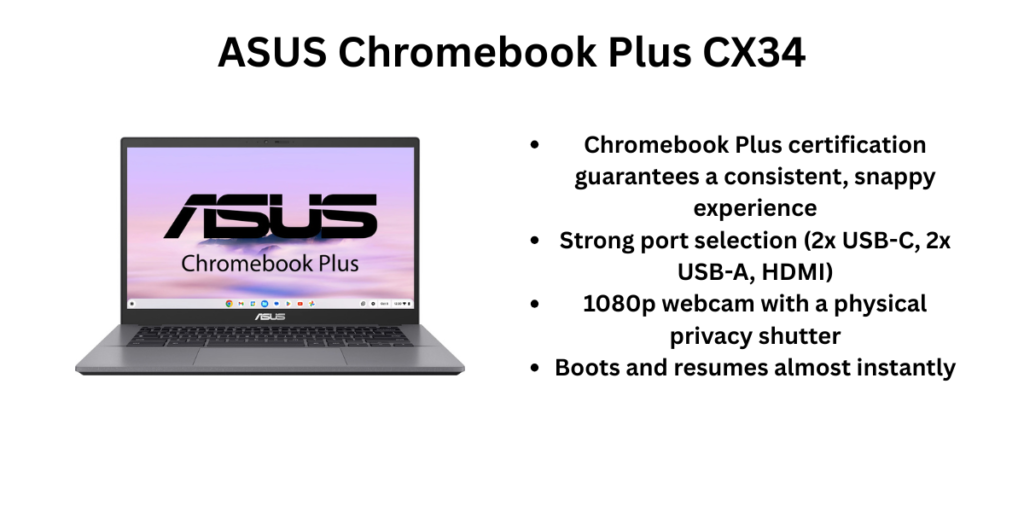
The CX34 pairs a 13th-gen Intel Core i5 or i3 with Chromebook Plus certification, which guarantees a hardware floor Google sets for AI features, camera quality, and performance. It has a sturdier chassis and better port selection than most Chromebooks in its price class, and it regularly dips into the $329–$399 range during sales despite a $499 MSRP.
Pros
- Chromebook Plus certification guarantees a consistent, snappy experience
- Strong port selection (2x USB-C, 2x USB-A, HDMI)
- 1080p webcam with a physical privacy shutter
- Boots and resumes almost instantly
Cons
- 64–128GB of storage is tight if you download media for offline use
- No desktop-grade software — you’re limited to web apps and Android apps
- Battery life (around 10 hours) trails some ChromeOS rivals
Who should buy it: Students, remote workers, and anyone whose daily computing lives in a browser and just wants speed and reliability without fuss. Many users have found it to be one of the best laptops under $500 in the USA.
3. Dell Inspiron 15 3530/3535
Best for reliable everyday Windows productivity
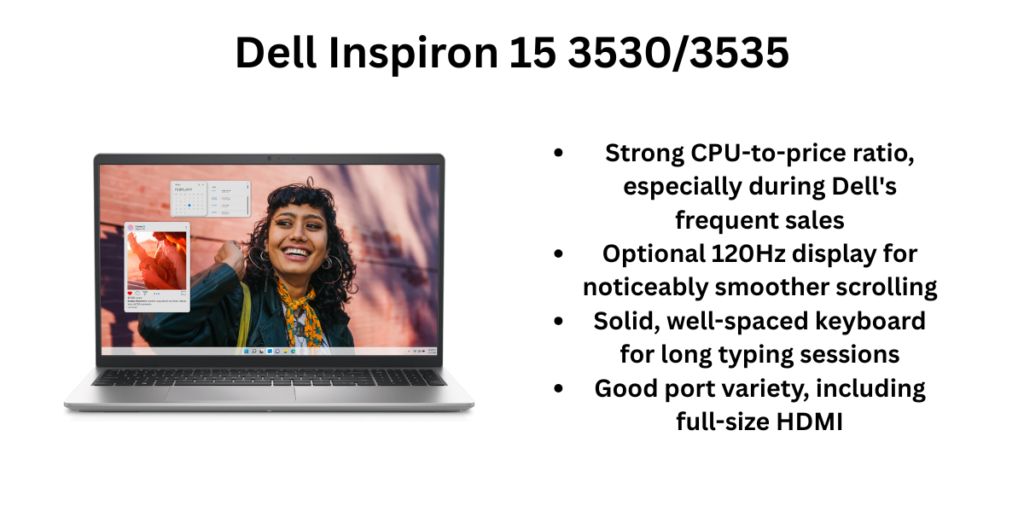
Dell’s Inspiron 15 series is the “boring but dependable” pick — and that’s a compliment at this price. Configurations with a 13th-gen Intel Core i5-1334U or AMD Ryzen 5 7530U, 16GB of RAM, and a 512GB SSD regularly show up around $400–$480, and the 120Hz refresh rate on some FHD panel options is a rare find under $500.
Pros
- Strong CPU-to-price ratio, especially during Dell’s frequent sales
- Optional 120Hz display for noticeably smoother scrolling
- Solid, well-spaced keyboard for long typing sessions
- Good port variety, including full-size HDMI
Cons
- Plastic build with noticeable flex in the lid
- Non-backlit keyboard on lower configurations
- Webcam quality is mediocre (720p on most models)
Who should buy it: Buyers who want a dependable Windows machine from a brand with strong support infrastructure, without chasing sales aggressively.
4. Lenovo IdeaPad Flex 5i Chromebook Plus
Best 2-in-1 under $500
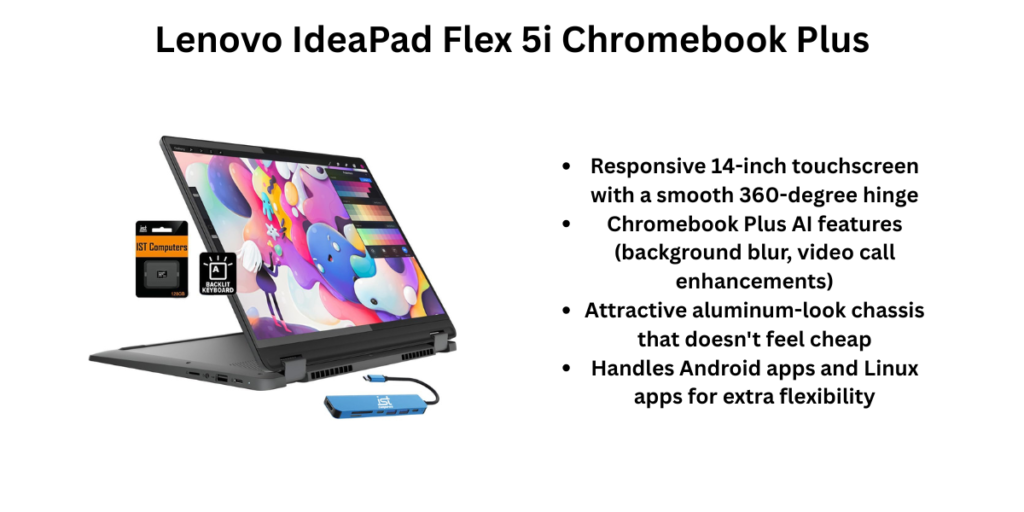
This is the pick if you want a laptop that also folds into a tablet. The 360-degree hinge, 14-inch touchscreen, and Chromebook Plus certification combine for a genuinely versatile device, and Lenovo regularly discounts it into the $349–$429 range from its $499 MSRP.
Pros
- Responsive 14-inch touchscreen with a smooth 360-degree hinge
- Chromebook Plus AI features (background blur, video call enhancements)
- Attractive aluminum-look chassis that doesn’t feel cheap
- Handles Android apps and Linux apps for extra flexibility
Cons
- Screen brightness is underwhelming in sunlit rooms
- Only 128GB of storage on the base configuration
- Battery life is average for a Chromebook, not exceptional
Who should buy it: Students who want to take notes by hand with a stylus, watch content in tablet mode, or just prefer a convertible form factor over a traditional clamshell. Many experts have listed this as one of the best laptops under $500 in the USA.
5. Acer Chromebook Plus 515
Best budget everyday Chromebook
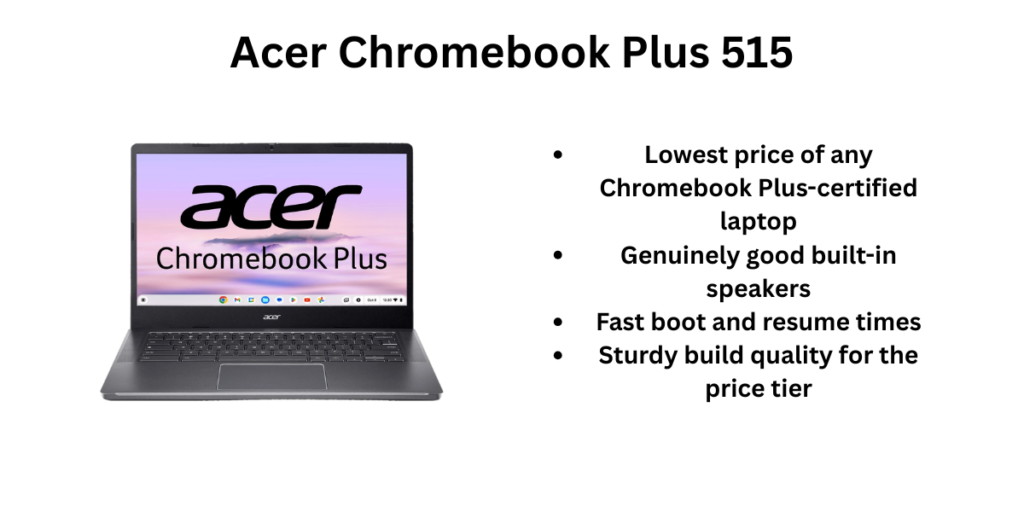
At $399 MSRP (and often less on sale), the Chromebook Plus 515 is the value leader among certified Chromebook Plus machines. It pairs an Intel Core i3-1215U with 8GB of RAM and a 15.6-inch FHD display, and reviewers consistently single out its speakers as unusually good for the price.
Pros
- Lowest price of any Chromebook Plus-certified laptop
- Genuinely good built-in speakers
- Fast boot and resume times
- Sturdy build quality for the price tier
Cons
- Battery life lands around 8–10 hours, below the Chromebook average
- Display brightness and color are middling
- Only 8GB RAM, non-upgradeable
Who should buy it: Budget-conscious buyers who want the Chromebook Plus AI feature set without paying for a larger screen or extra RAM they won’t use.
6. HP Chromebook Plus 15.6″
Best for a larger screen and full keyboard
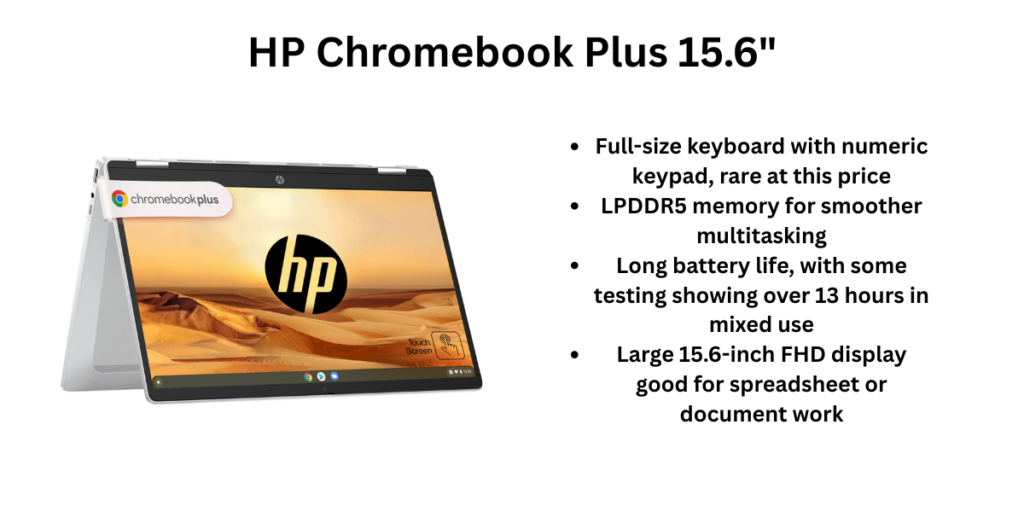
HP’s take on the 15-inch Chromebook Plus format adds a full-size keyboard with a numeric keypad — useful if you do data entry or spreadsheet work — plus LPDDR5 memory for snappier multitasking than eMMC-based rivals. It launched at $499–$549 but is frequently available for $250–$350 through retailer sales.
Pros
- Full-size keyboard with numeric keypad, rare at this price
- LPDDR5 memory for smoother multitasking
- Long battery life, with some testing showing over 13 hours in mixed use
- Large 15.6-inch FHD display good for spreadsheet or document work
Cons
- Screen brightness caps around 250 nits — weak in bright rooms
- Color accuracy isn’t suited to photo or design work
- Bulkier and heavier than the 14-inch options on this list
Who should buy it: Home-office users or students who do a lot of numeric data entry and want a bigger screen and keyboard footprint without going Windows. Many students and professionals think this as one of the best laptops under $500 in the USA.
Quick Comparison
| Laptop | Best For | Starting Price | RAM | Battery |
|---|---|---|---|---|
| Acer Aspire Go 15 (Ryzen) | Overall / Windows software | ~$479 | 16GB | ~10 hrs |
| ASUS Chromebook Plus CX34 | Everyday ChromeOS use | ~$349 (sale) | 8GB | ~10 hrs |
| Dell Inspiron 15 3530/3535 | Reliable Windows productivity | ~$400 | 16GB | ~7–8 hrs |
| Lenovo IdeaPad Flex 5i Chromebook Plus | 2-in-1 / tablet mode | ~$349 (sale) | 8GB | ~9 hrs |
| Acer Chromebook Plus 515 | Budget Chromebook | ~$399 | 8GB | ~8–10 hrs |
| HP Chromebook Plus 15.6″ | Big screen / keyboard | ~$300 (sale) | 8GB | ~13 hrs |
Final Recommendation
If you need real Windows software — the Acer Aspire Go 15 in its Ryzen configuration is the strongest all-rounder on this list; nothing else here matches its RAM and CPU combination for the price. If you live in a browser and want the smoothest, most reliable daily experience, the ASUS Chromebook Plus CX34 is the safer, more polished pick. And if you want a laptop that doubles as a tablet, the Lenovo IdeaPad Flex 5i earns its spot as the only 2-in-1 here.
Whichever you choose, buy from an authorized retailer (Amazon, Best Buy, or the manufacturer directly) so your warranty is honored, and check current pricing before buying — everything in the $400–$500 window here dips lower during regular sale cycles. Make sure that you consider every feature if you want one of the best laptops under $500 in the USA.
FAQ
Are laptops under $500 good enough for college?
Yes, for the large majority of coursework — writing, research, spreadsheets, and video calls. Only demanding majors like film editing or engineering CAD work will outgrow this price tier quickly.
Chromebook or Windows laptop for under $500?
Choose a Chromebook if your work lives mostly online and you value speed and battery life. Choose Windows if you need specific desktop software, like Adobe Creative Cloud apps, industry-specific tools, or PC gaming.
Can you upgrade RAM or storage on a $500 laptop?
Sometimes. Some Windows laptops, including certain Acer Aspire Go 15 configurations, use swappable SODIMM RAM. Most Chromebooks solder RAM to the board and can’t be upgraded — check the spec sheet before buying if this matters to you.
Also read: 5 Best Wireless Earbuds Under ₹2,000 in India (2026)